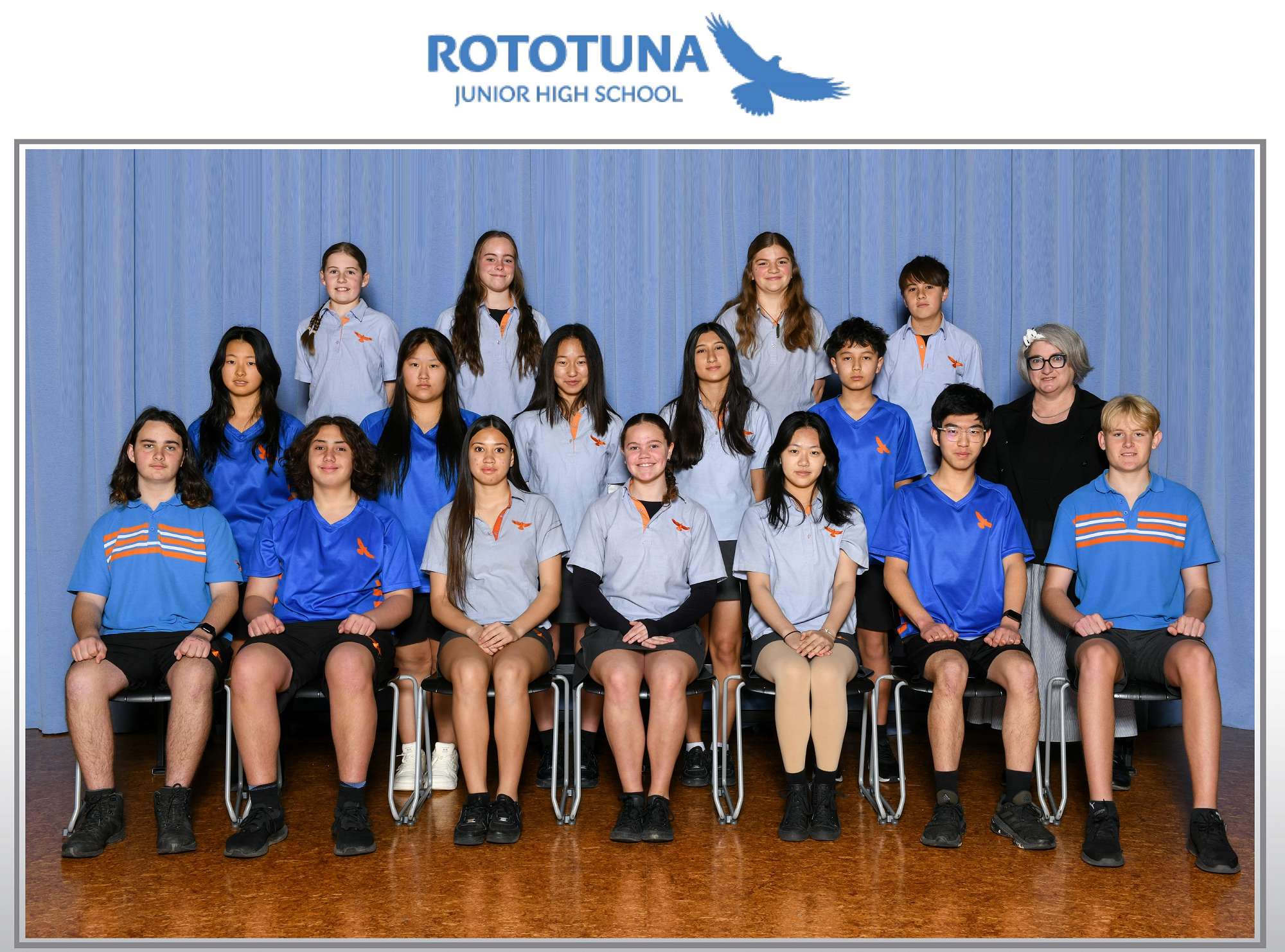
PURCHASING CLASS PHOTOS
Parents will receive an email, providing a unique code, from Photo Life to view or purchase JHS class photos. Check spam/trash if not received.
If you have not received a code, please email: [email protected]
See below steps to access photos:
1. Click on this link: https://photolifeonline.co.nz/ordering/access
Alternatively, you can go to Photo Life website to order photos
2. Enter your unique Access Key Code
(Be careful not to copy a space at the beginning of the code as this will make the code invalid.)
3. Choose the photo category to view your child’s photos.
Please read the following instructions:
When using your mobile device, please click the “Show other categories” drop-down menu to see all the photo options.
You can then click on each photo to view a larger image or the information button for information.
Back...