
At RSHS we want to encourage and enable learning that can happen anywhere, at anytime, and in a way that allows all learners to reach their highest potential. One of the many ways of achieving this is through e-Learning.
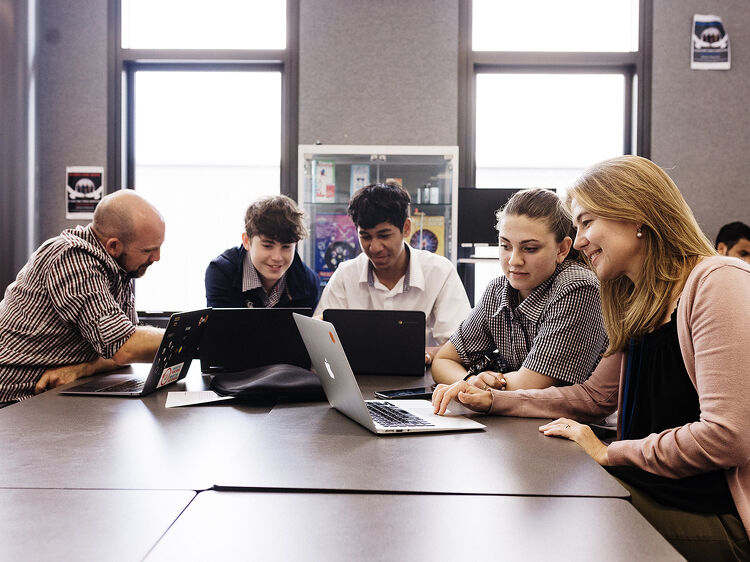
Our rangatahi (young adults) are moving into a world that uses technology more and more. We want our people to be digitally literate citizens who can use technology in considered and responsible ways.
We recognise the potential for e-learning to extend and support learners and to open up new and different ways of learning. The New Zealand Curriculum states that e-learning has the potential to:
- assist the making of connections by enabling students to enter and explore new learning environments, overcoming barriers of distance and time
- facilitate shared learning by enabling students to join or create communities of learners that extend beyond the classroom
- assist in the creation of supportive learning environments by offering resources that take account of individual, cultural, or developmental differences
- enhance opportunities to learn by offering students virtual experiences and tools that allow them to take their learning further.
Based on consultation, research and experience, the RSHS leadership team made the decision to become a Google Suite school. This means we have the full range of Google Education products available to use in our teaching, learning and administration. The advantage of the Google suite is that it is accessible on all devices across all the different platforms (eg. Windows PC, Android, Apple).
The suite includes the following tools:
- Drive (with storage for every student)
- Classroom
- Docs
- Sites
- Sheets
- Slides
- Forms
- Blogger
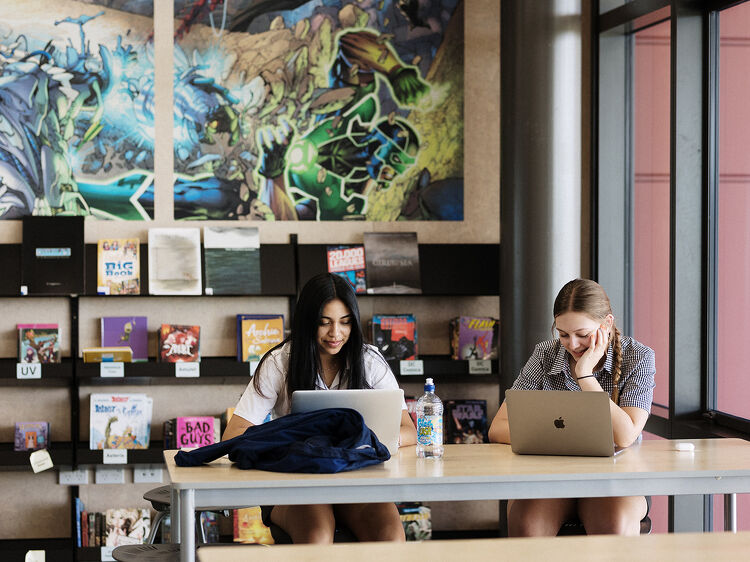
To assist with determining an appropriate device for learning, we have some recommendations.
Suitable for maximizing learning:
Any wi-fi capable laptop or netbook less than 3 years old
E.g. HP Pavillion, Acer Aspire, Toshiba Satellite, Apple MacBook/Air, Chromebook, SurfacePro
Adequate, but with limited functionality:
Wi-fi capable tablets with detachable keyboards
E.g. iPads
Not suitable as a primary BYODevice:
Small hand-held devices
E.g. iPods and cellphones
Some other considerations:
Length of battery life:
Charging lockers will be available for use during the school day. However, battery life will need to extend through class times when the use of a device is required for class work. New batteries might be able to be purchased for older devices with degraded battery life.
Weight (mass) of device:
The size and weight of the device should be considered in terms of the added weight in the school bag.
Hard drive::
SSD (solid state hard drives) will last much longer than HDD hard drives.
* Please note that an iPad, Tablet or Smartphone are not appropriate as mobile operating systems lack the capability required.
If you are bringing over a device from another school (e.g. Rototuna Junior High School) it is most likely able to be used at RSHS.
If you are not sure that your device meets these specifications or have any further questions about current devices that your child has, please contact the school to discuss further: [email protected]
Stationery
Stationery requirements are now available on the OfficeMax MySchool website.
Please click link below to see the requirements and to order your stationery online. Please note that OfficeMax no longer have physical stores.